
Union Parish Docket Search Venue
Venue comes first. For district-court work in Union Parish, criminal, civil, probate, family, juvenile, protective-order, and non-support records run through the Third Judicial District Court of Louisiana and the Union Parish Clerk of Court. Justice of the Peace offices hold their own limited civil and magistrate files. Mayor’s courts handle municipal ordinance and local traffic dockets. A sheriff or state-police citation may carry its own payment or court route. Read the court name printed on the notice, citation, complaint, or last docket entry before typing anything. Searching the wrong venue makes a live case look missing. Appeals from Union Parish district court go to the Court of Appeal, Second Circuit. Its docket stands apart from the trial docket. Federal matters sit in the Western District of Louisiana and never count as Union Parish district-court cases.
Start with the court named on the document. The court name is more useful than a broad name search when deciding which public record system can hold the case.
Name-Based Case Searches
Search with the tightest terms the record supports. In eClerks Criminal Search, pair a last name with a first name when you have it. Set a From Date and To Date. Check the Union Parish box. Civil, family, probate, land, and marriage lookups work through the Parish Search route, which combines a NAME with date range, description, parish, and a role choice. For Union-specific civil and criminal record access, use the live Clerk route.
- Identify the court type and open the Clerk, eClerks, municipal, Justice of the Peace, or federal route that matches it.
- Enter the name exactly as known, then select Union Parish or another confirmed venue where the route provides a location filter.
- Use dates, description, or role controls to reduce common-name results.
- Open the candidate result and compare its case identifier, parish, filing date, court activity, and any charge or record description.
- Request a minute, docket, image, or certified copy from the custodian if the online result is not sufficient.
A name alone can mislead when several people share it. Add a date filed, arrest date, case identifier, or parish to tell results apart, and stick to what the record itself shows.
Union Parish Docket Search Sources
The eClerks LA Statewide Portal is a free layer. It points to land, marriage, civil, family, and probate information across participating Louisiana parishes. Think of it as a lead generator. It does not serve as one official, statewide general docket search, so for a Union matter pair it with the local Clerk route and confirm what any result actually is. The portal’s own description spells out the categories it covers and how the statewide layer is meant to work.
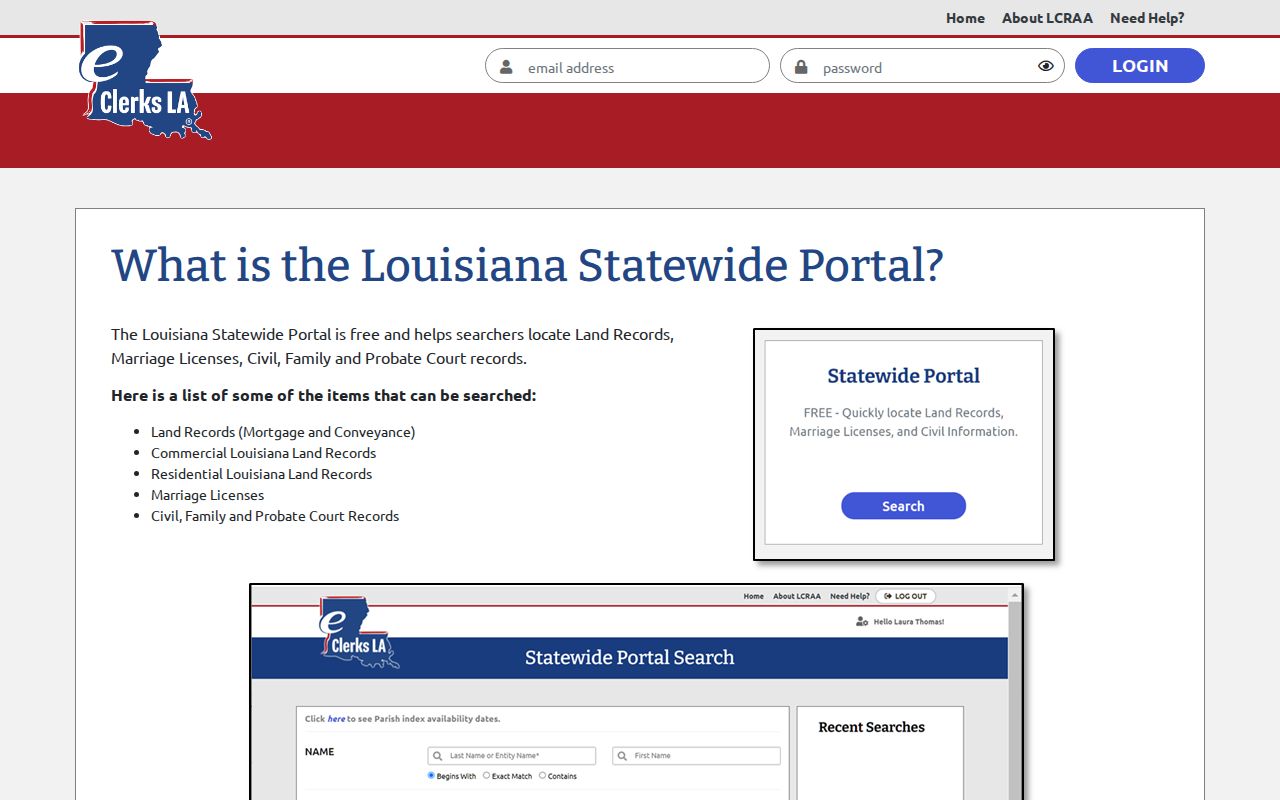
That reach makes the portal handy for finding civil and related records. A Union case docket can still require a Clerk or court follow-up.
Case Number Searches
A case or cause number is usually the strongest handle for a request. Copy it straight from the citation, summons, order, notice, minute entry, or an old docket printout. Union Parish publishes no official case-number format of its own. The eClerks Criminal Search guide documents no case-number search field. So never borrow a prefix, year pattern, or digit count from another parish’s system. When a portal takes a case reference, enter it exactly as printed. Follow its live formatting instructions. When nothing accepts it, hand the number to the Union Parish Clerk of Court. Try the Judges’ Office for a setting question. The lower court named on the record works too. A known number also sharpens a written request. It pins the court file without a broad name match.
Union Parish Docket E-Filing Limits
The Clerk connects to eClerks LA and eFileLA for participating electronic filing. That route lets a party or attorney submit a filing through a secure browser. It is not a public case-search tool. Expect possible Clerk processing after submission. Public visibility still depends on the record type, redaction rules, and whichever system supplies the local docket or image. The eClerks e-filing description covers the filing workflow. To track public court activity, use the Clerk’s civil or criminal records link. Do not rely on an e-filing confirmation.
Union Parish Docket Search Tabs
The eClerks Parish Search interface documents several tabs with matching controls: Alpha Search, Date/Alpha Search, Day Book, and Marriage, plus NAME, DATE RANGE, INSTRUMENT #, and DESCRIPTION fields. Begins With, Exact Match, and Contains shape a name query. Grantors and Grantees mark the role choices in the Parish Search product.
| Field or control | Type | Use | Limit to remember |
|---|---|---|---|
| NAME | Text | Starts a party or record search. | Use a matching control for common names. |
| DATE RANGE | Date range | Narrows the time window. | No maximum range is stated in the help guide. |
| INSTRUMENT # / DESCRIPTION | Text | Locates a known record lead. | It is not necessarily a district-court case number. |
| Alpha / Date-Alpha / Day Book | Tabs | Changes how Parish Search is viewed. | The current tab can affect what is visible. |
The Parish Search source describes the subscription workflow. Image access may sit behind a parish subscription, cart, or account. Union Parish posts no published rate.
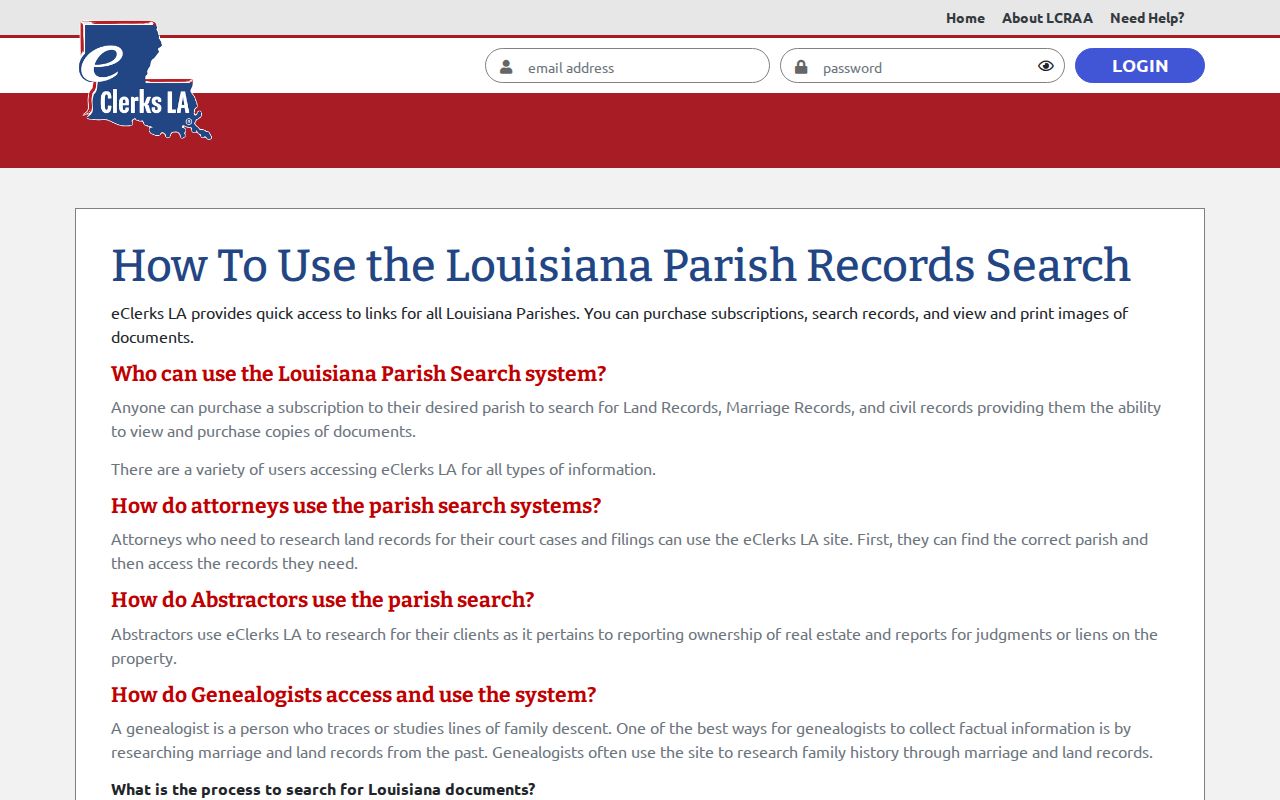
Treat a Parish Search result as a lead. Then check whether it gives you the docket, an index, or a document image.
Case Search Results Explained
A search result and a docket answer different questions. The eClerks Criminal Search guide documents result columns for Defendant, Birth Date, Sex, Race, Case, Date Filed, Charges, Arrest Date, Parish, and Alert. Its case-detail view can show the case identifier, date filed, defendant, charges, parish, and Date and Minute Details. Those documented fields make no promises. Not every Union view includes a full document list, judge selector, export function, live refresh, or complete history.
| Case and date filed | Identifiers that help match a result to the notice or known court file. |
|---|---|
| Defendant and charges | Criminal result information that must be read as allegations unless the docket shows a verified disposition. |
| Parish | A location check that helps separate results from other Louisiana parishes. |
| Date and Minute Details | The event-history component described for a criminal detail result. |
| Image or certified copy | A separate product that may require an account, purchase, or Clerk request. |
Treat each search result as a locator. Match it back to the court that issued it. A listing can be incomplete, older than the newest hearing, or tied to a different court than the one named on a notice.
Union Parish Criminal Docket Results
Work from documented fields, not guesses. Start with a name search, then narrow by the Union Parish facet and bounded dates. Check the case identifier, date filed, charges, and arrest date against what you know. Confirm the parish too. If those line up, open the Date and Minute Details view for the event history. From there, ask the Clerk. Ask for a public minute, the full docket, a document, or a certified copy.
eClerks support handles account help and system questions. It does not hold Union Parish court records. Only the Clerk can verify a case file or issue an official copy.
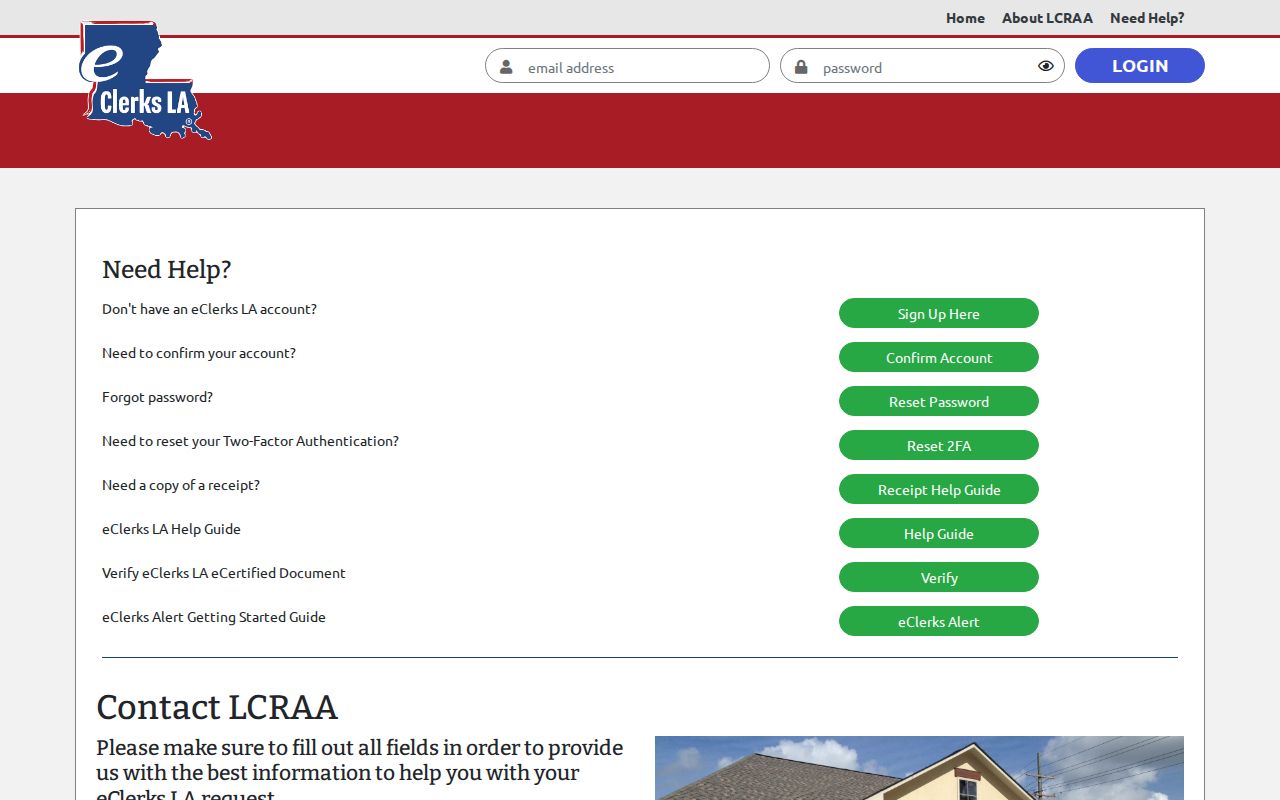
Take platform questions to platform support. Questions about what a Union Parish case record means, its status, or an official copy belong with the court or Clerk.
Two Ways to Search: County and State
Two search layers exist, and neither covers everything. Locally, the Union Parish Clerk runs live criminal and civil routes along with the relevant lower court. Statewide, eClerks offers two tools: the Statewide Portal for civil, family, probate, land, and marriage records, plus a separate Criminal Search for statewide criminal leads. Pick the layer that fits your purpose.
| Local Union route | Statewide eClerks route |
|---|---|
| Use the Clerk for Third Judicial District docket, minute, document, and certified-copy questions. | Use the Statewide Portal to locate civil, family, probate, land, and marriage records across participating sources. |
| Use the issuing mayor’s court, Justice of the Peace, or sheriff route for lower-court matters. | Use Criminal Search as a statewide criminal name-and-date lead, then verify locally. |
| Best when the venue is known and a case needs local confirmation. | Best when a broader Louisiana lead is needed, subject to the product’s limits. |
One catch: eClerks Parish Search may require a subscription for images. Neither the Statewide Portal nor Criminal Search replaces every traffic, juvenile, municipal, or Justice of the Peace docket.
Union Parish Docket Image Access
Know the product before you pay. An index entry is one thing. A document image is another. A docket or minute entry, a plain copy, and a certified copy are different things. The eClerks Statewide Portal can locate civil, family, probate, land, and marriage information. Parish Search routes images and copies through an account, cart, or parish subscription. The Clerk posts no current Union price for images and no general certified-copy fee.
So ask first. Say whether you want a public image, an index entry, a minute, a full case document, or a certified copy. That clarity gets you the right product. It also keeps a paid image from being mistaken for a court-certified Union Parish record.
Union Parish Docket Search Limits
The Clerk states that online documents, images, and indexes are available around the clock. The vendor transition language is mixed and historical. Trust the live buttons and fields you see on the day you search. The Clerk lists no public terminal. It lists no universal image price, no oldest searchable year, and no stated result limit. Attorney-name searches, judge filters, status filters, document lists, export options, and a live-refresh schedule are not advertised either.
Draw one more line. E-filing through eClerks LA or eFileLA is not public docket access. A document filed electronically does not automatically become a public search result. A calendar PDF is not a live case register. For a current setting, rely on the latest docket or notice. Then confirm with the Judges' Office.
Which Cases Stay Restricted
Some case information is simply not searchable. Juvenile records carry confidentiality limits. Union adoption records stay closed without a court order. Sealed, expunged, and protected matters may show restricted results or none at all. A blank search, a restricted label, or a missing image can also mean an indexing delay or the wrong venue. It proves nothing about the case itself.
Louisiana Code of Civil Procedure article 14.1 also requires redaction of specified personal identifiers in electronic filings. If you need a restricted record, ask the Clerk or court about the legal access process. Never bypass authentication. And never treat a partial public result as permission to reproduce protected information.
Union Parish Docket Search Fallbacks
When the online docket search fails, follow the chain of custody. Call the Union Parish Clerk desk that holds the record. For a Third Judicial District matter, that is the Clerk; for a setting question, use the Judges' Office at (318) 368-9734. Lower-court cases go to the issuing Justice of the Peace, municipality, mayor's court, or sheriff. The Clerk's main line is (318) 368-3055. The civil, juvenile, and non-support line is (318) 368-0692. Minute clerks answer at (318) 368-8026.
Put requests in writing when you can. Name the court, the case or cause number if known, the date range, and the exact product sought, whether public inspection, a docket or minute copy, a document image, a plain copy, or a certified copy. Louisiana Code of Civil Procedure article 251 and R.S. 44:31 to 44:32 govern public inspection and copying, subject to exceptions. Confirm the address, fee, and delivery method before sending anything. The Clerk posts no general mail, fax, email, or certified-copy procedure.
CourtListener offers free federal RECAP records and opinions. It helps only when the matter is truly federal. It holds no Union Parish district-court docket.
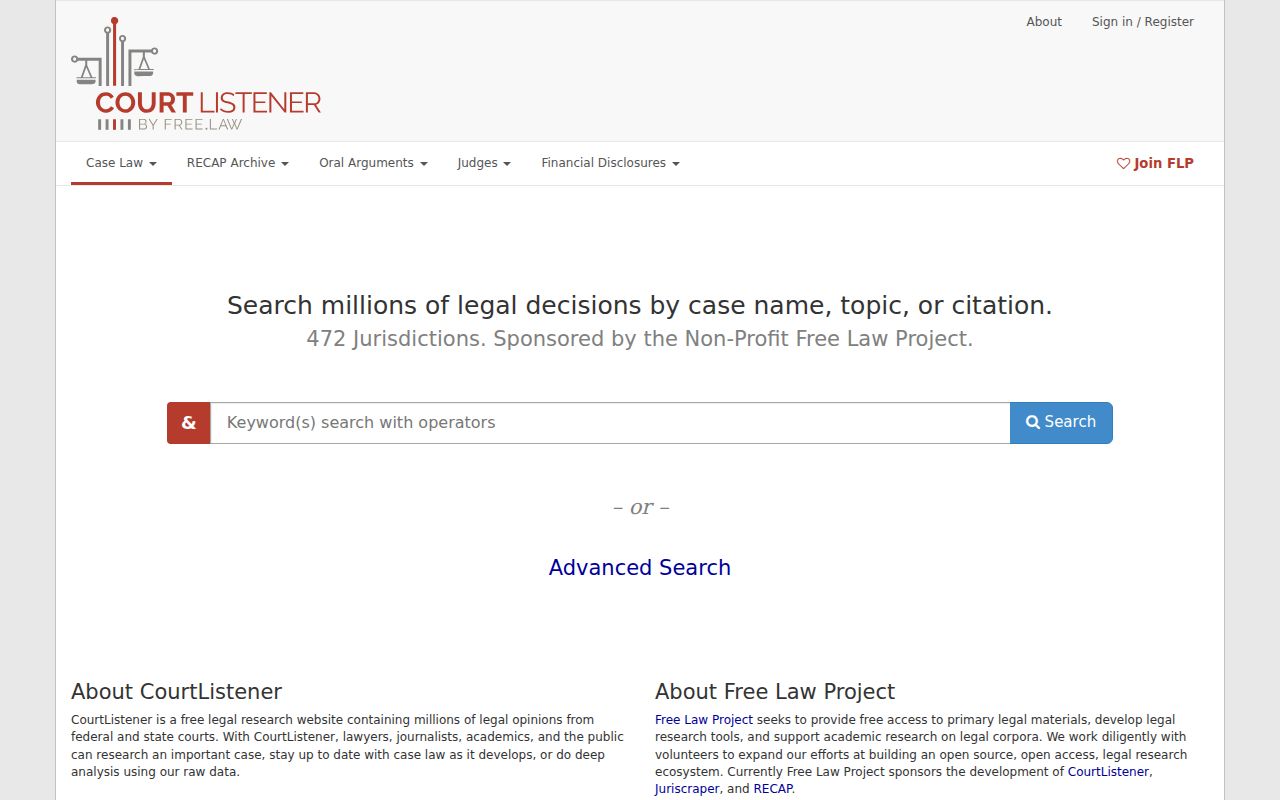
That federal line matters. It keeps a CourtListener result from being mistaken for a Louisiana parish court case search.